


Download Last OTS

Download Last OTS
3xfasthard8.0/6GLB
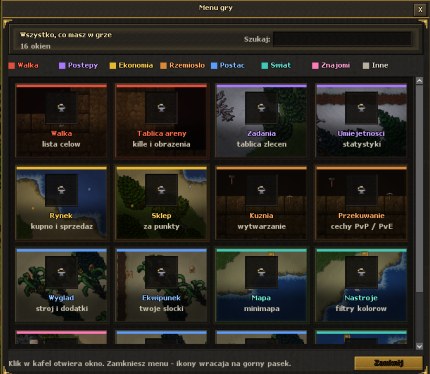
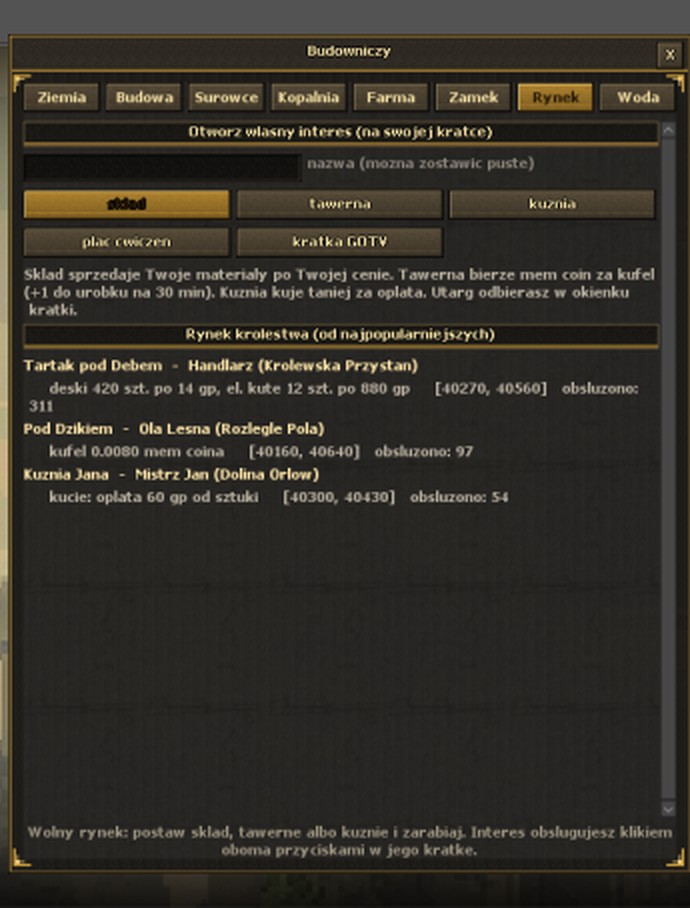
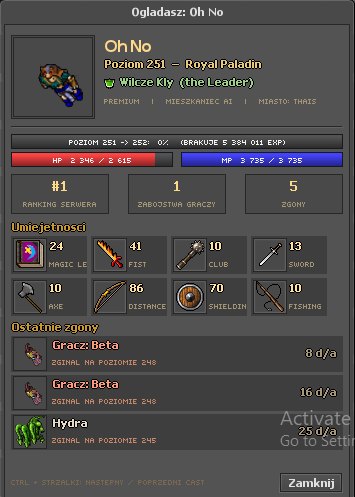
One client for PC and phone. You download it once - every new version arrives on its own when you start it, with new windows, graphics and fixes.
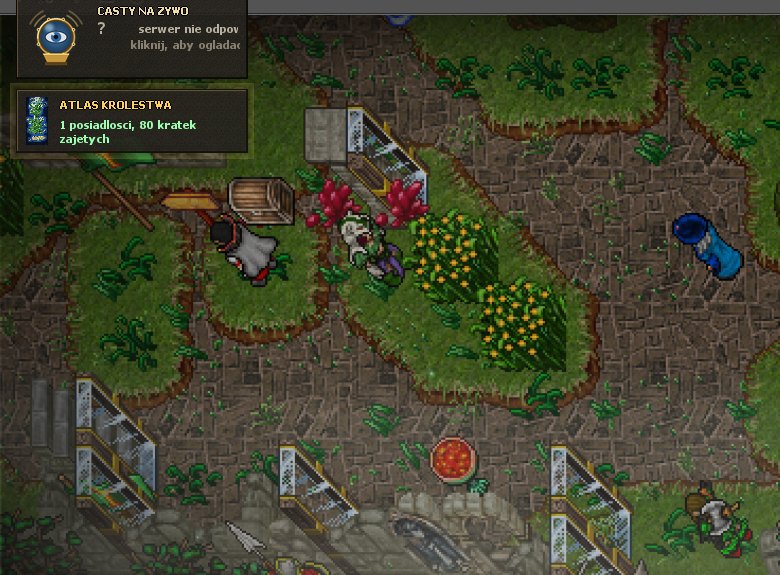
Windows (PC)
An archive to unpack, no installer
- Windows 10 or 11, 64-bit
- About 1 GB of disk space
- A DirectX 11 graphics card (any recent laptop)
Android
An APK app - the same accounts and characters as on PC
- Android 8 or newer, a 64-bit phone
- Ideally 4 GB of RAM or more
- Touch controls: big buttons, shortcuts, finger map
- DownloadThe PC package or the phone APK - buttons above.
- Unpack / installPC: unpack the LastOTS folder and run otclient_dx.exe. Phone: open the APK and allow the install.
- Log inCreate an account here - your character is ready right away.
What is new in this version
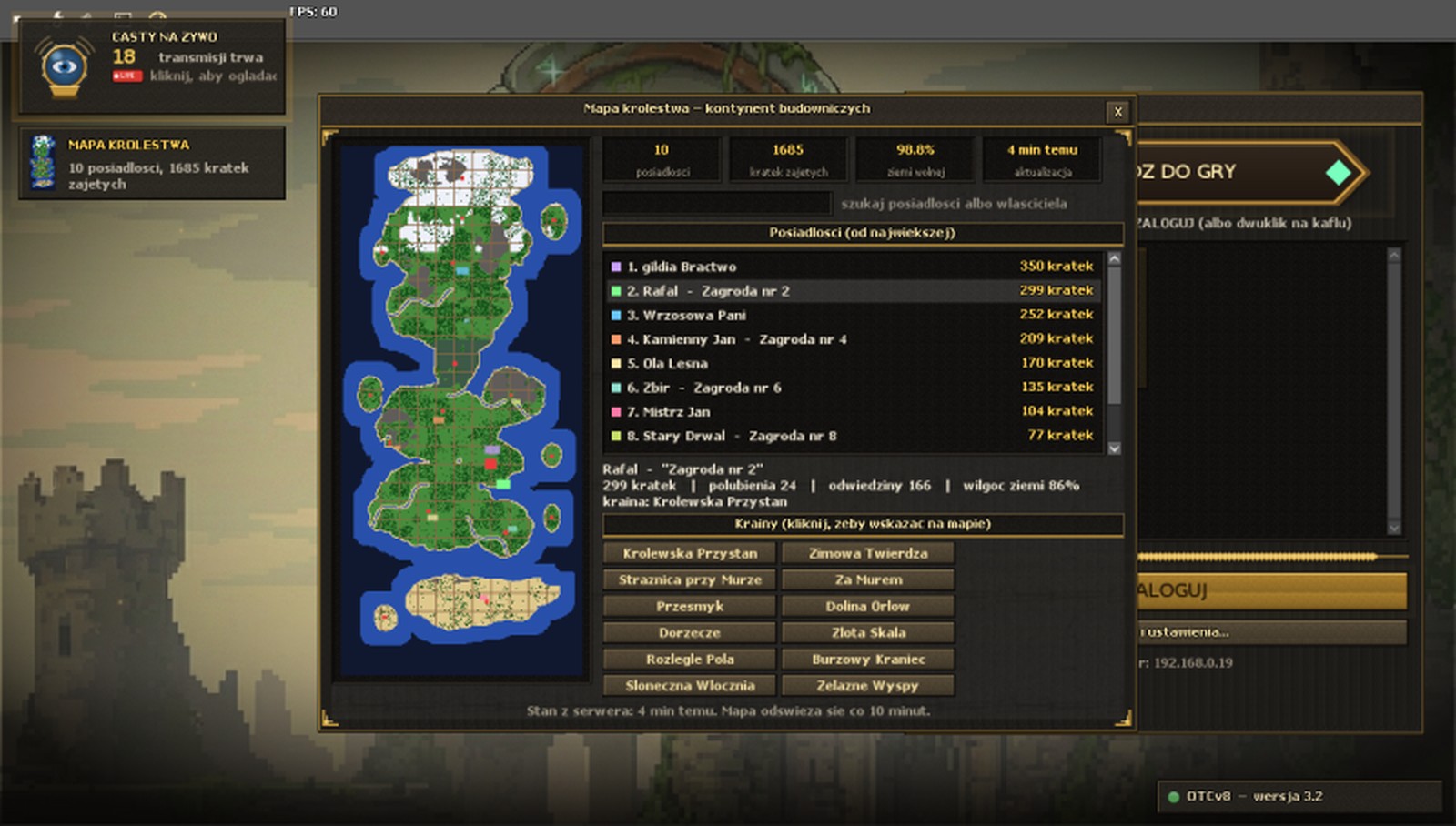
- Ekran startowy: dwie nowe ilustracje Ostatniego Krolestwa
Windows says "Windows protected your PC"
That is the usual warning for programs without an expensive certificate. Click "More info", then "Run anyway". The client comes straight from this site.
My phone will not install the APK
On the first install Android asks to allow "unknown sources" for your browser - allow it once. Newer APKs install over the old one: characters and settings stay.
How does it update?
Every time it starts, the client compares its files with the server and downloads only the changed ones - usually a few seconds. When the server needs a newer version, the client tells you.
My antivirus complains
OTClient-based clients sometimes trigger false alarms because they download files themselves. Only download from this site - then you know it is the original.
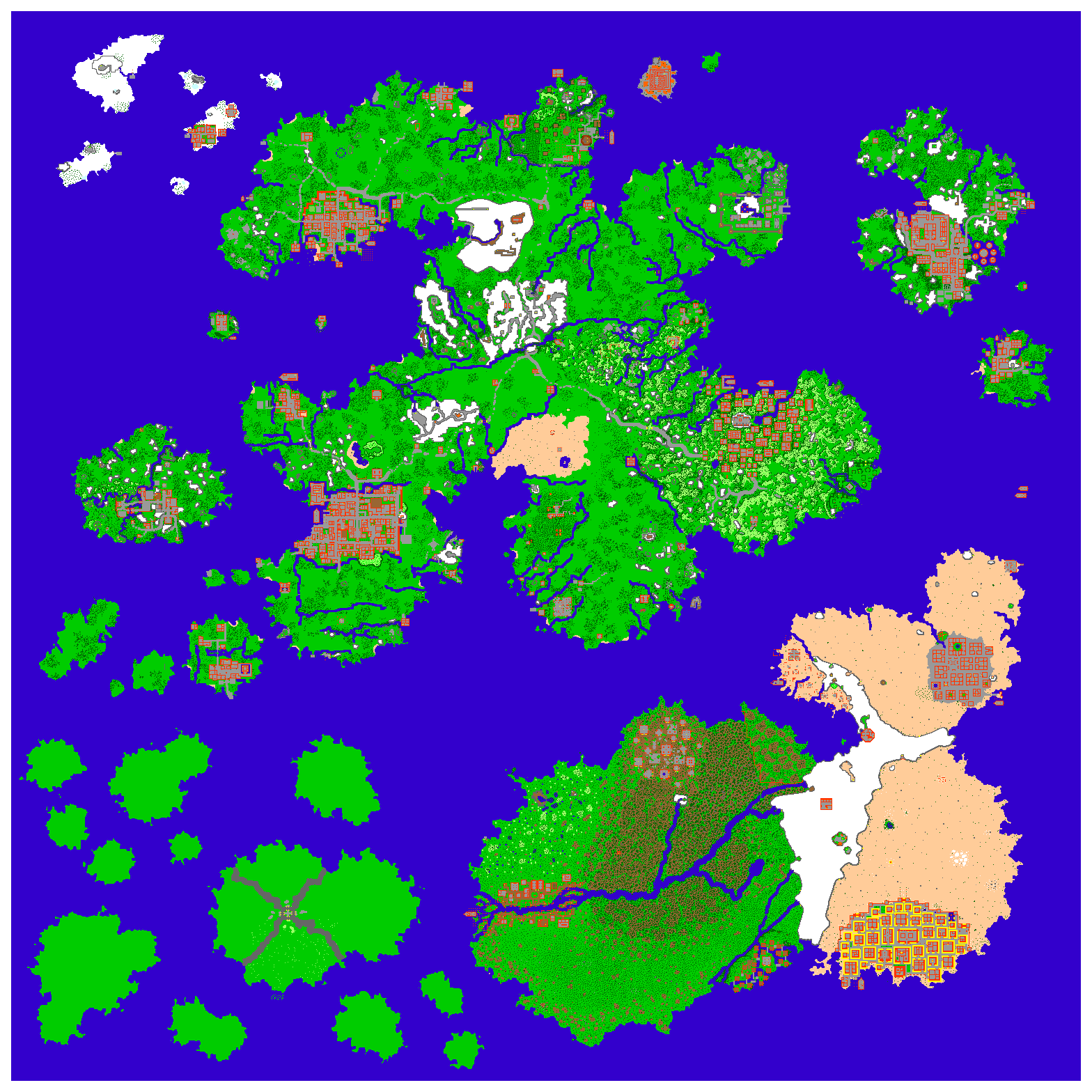
7.6 world minimapLast Wooden OTS 7.6
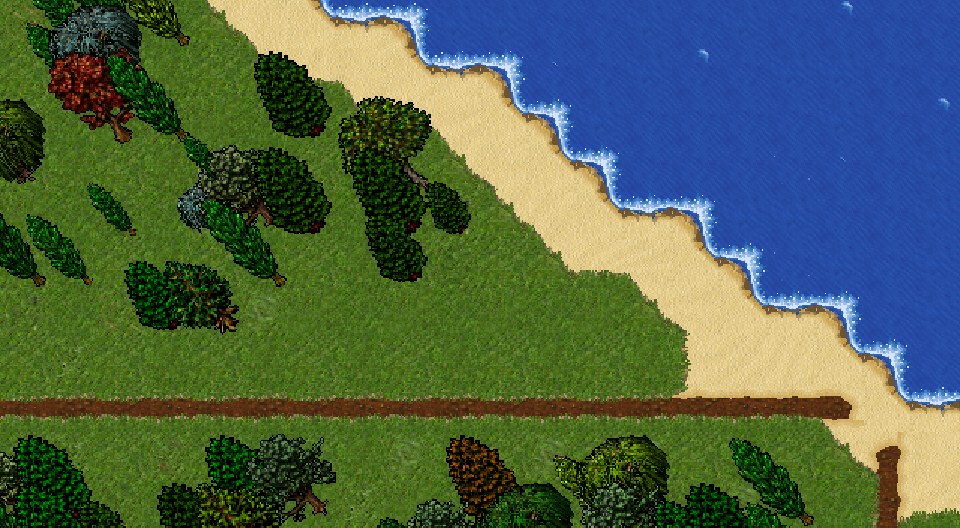
The whole classic 7.6 map revealed at once: a minimap.otmm file for OTClient (every floor, with colours, walls and water for click-to-walk). The floors as images are on the world map on the site. The Last OTS client already has this map built in - the file is for other OTClient clients.
- Close the client and open its settings folder - the one with <code>config.otml</code>.
- Back up the old <code>minimap.otmm</code>, rename the downloaded file to <code>minimap.otmm</code> and put it in its place.
- Start the client - the minimap shows the whole world.